


Description
Download EZ Voice APK – Sing Along, Record, Share
Overview
EZ Voice is a music and audio entertainment application designed for Android devices, developed by IK Multimedia, a well-known international music technology company. The app enables users to sing along with their favorite songs directly from their smartphones, transforming a standard mobile device into a portable vocal recording studio. Its primary purpose is to simplify the process of vocal performance and recording for casual users and aspiring vocalists alike. By allowing real-time voice removal and the application of professional-grade audio effects, EZ Voice supports creative expression and music experimentation.
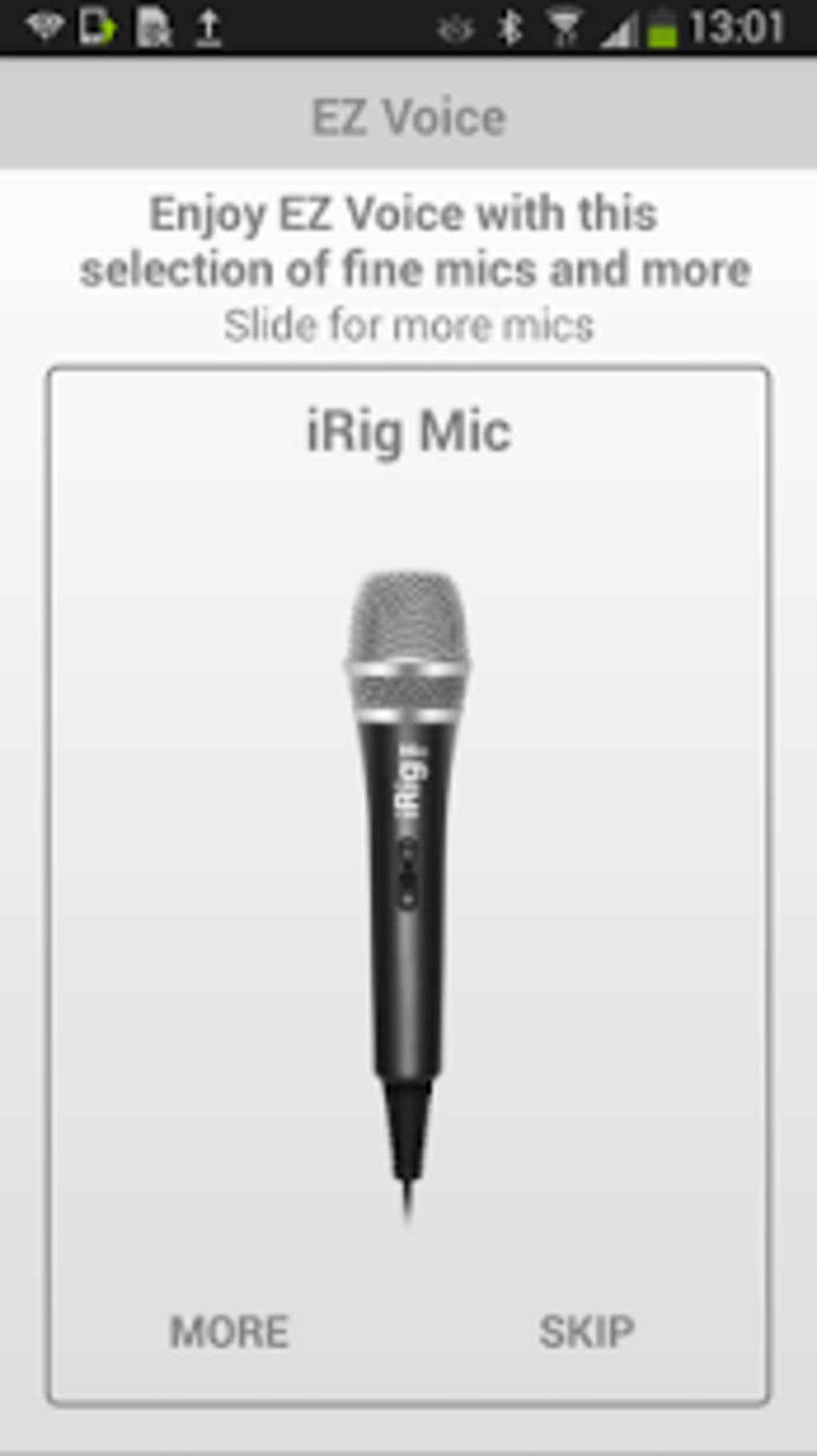
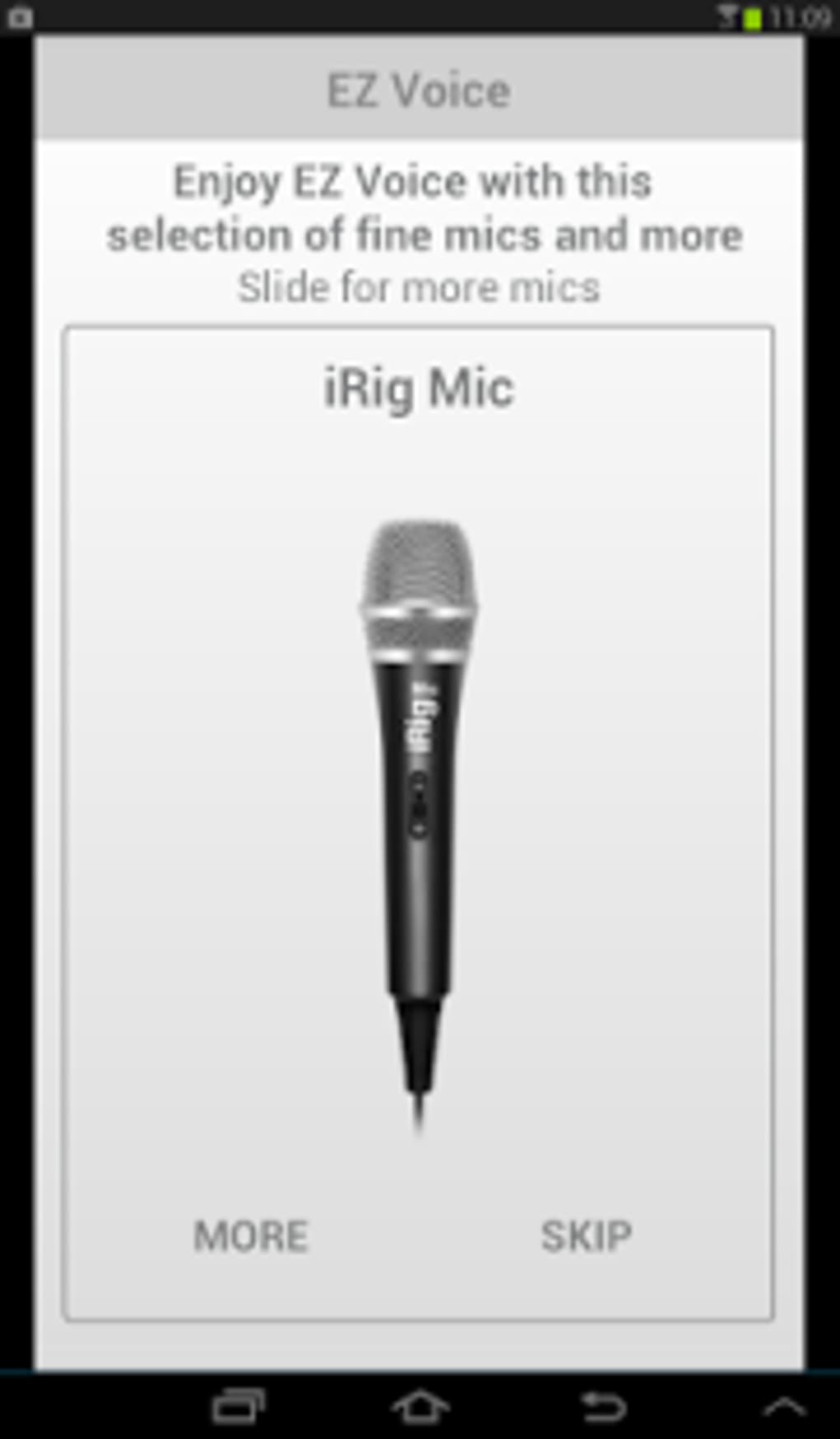
Target users include music lovers, amateur singers, and content creators who want to produce high-quality vocal covers without complex equipment. The app is particularly useful for those who already own compatible hardware like the iRig MIC or iRig Voice, as it integrates seamlessly with these devices. Real-world usage scenarios include on-the-go karaoke sessions, home recording projects, and sharing vocal performances on social platforms. The developer did not provide additional system requirements beyond compatibility with most Android devices.
Key Features & Capabilities
- Real-Time Vocal Removal – Users can import songs from their device library and remove the original vocal track with a single tap, enabling clean singing along.
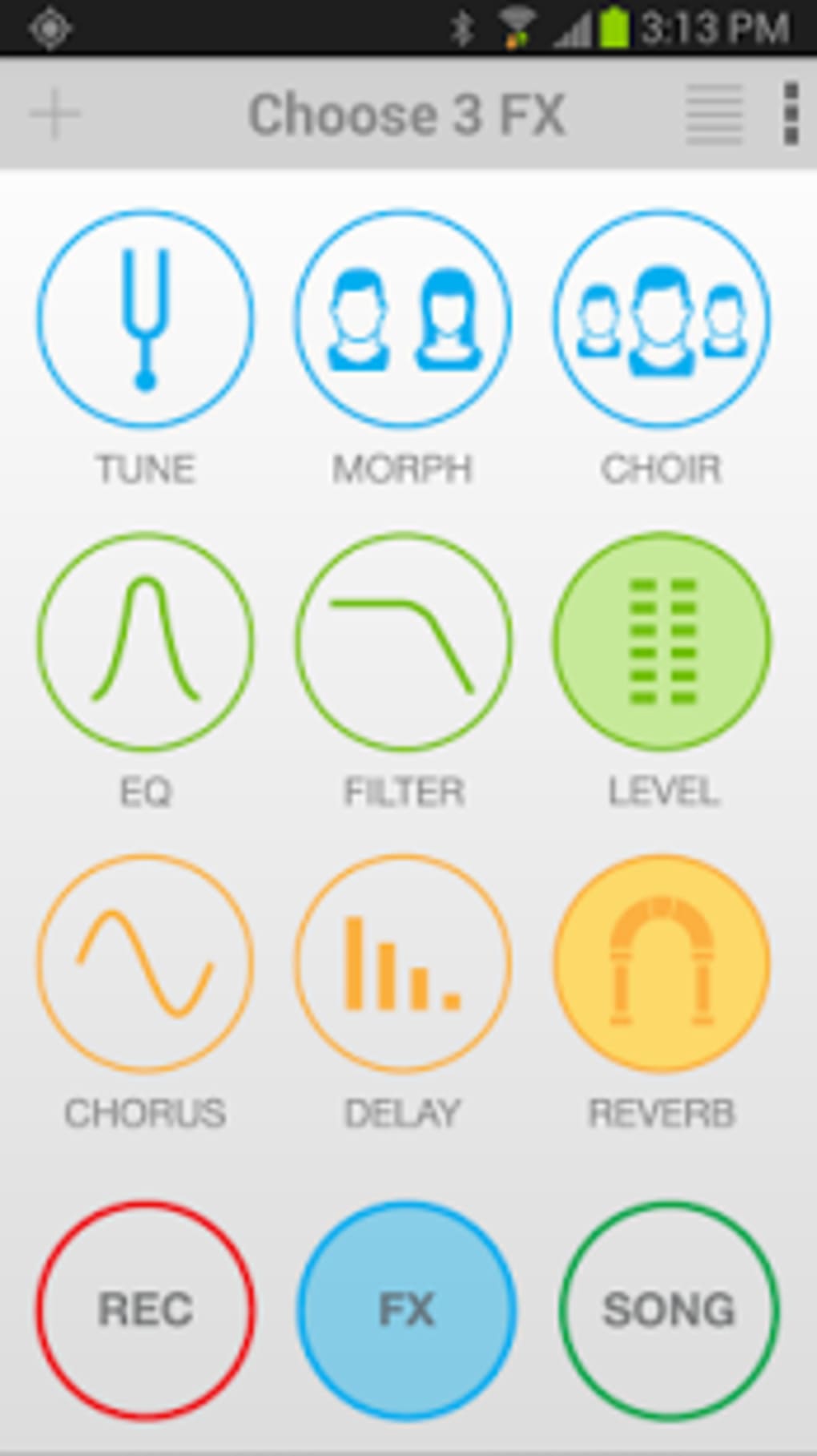
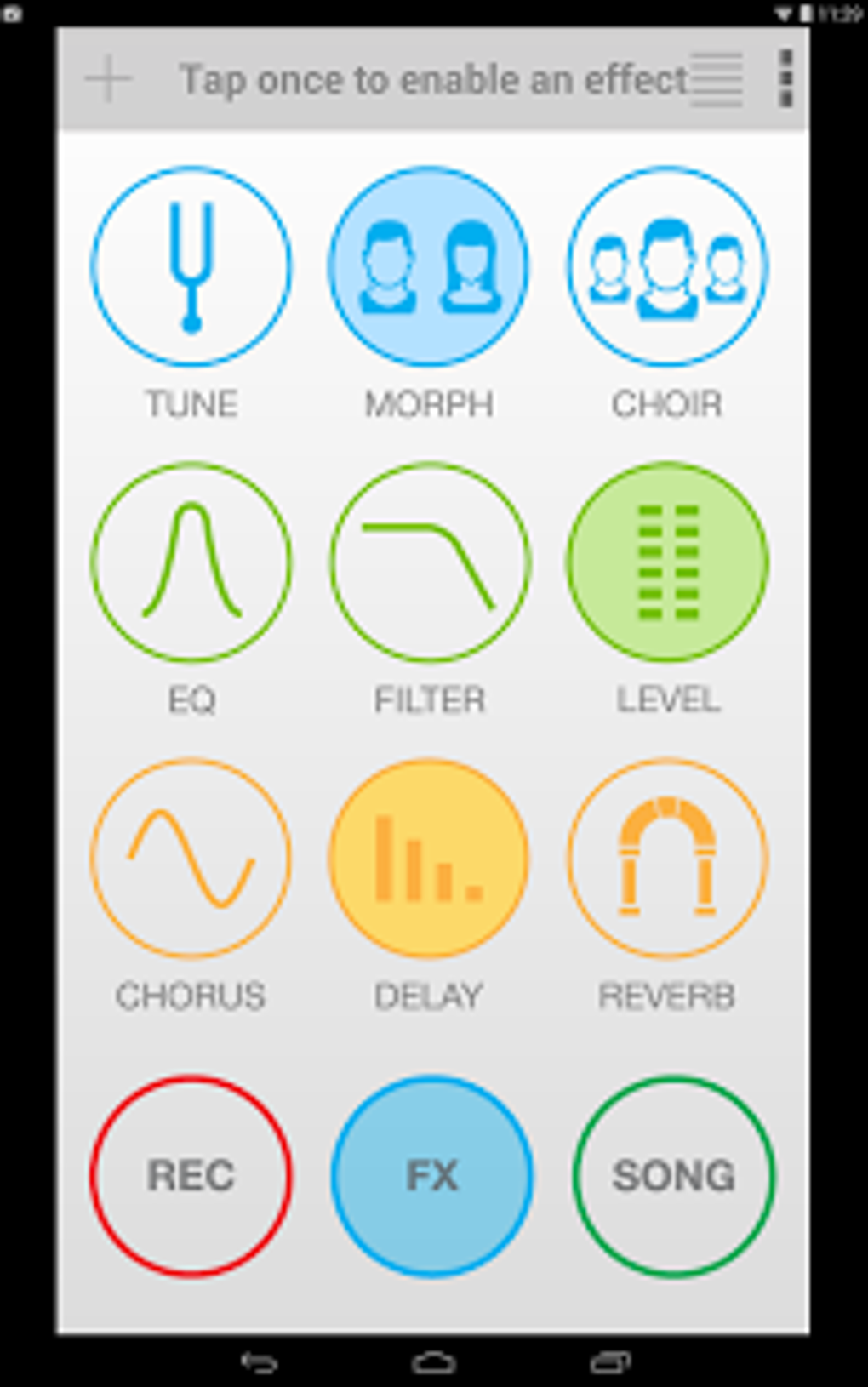
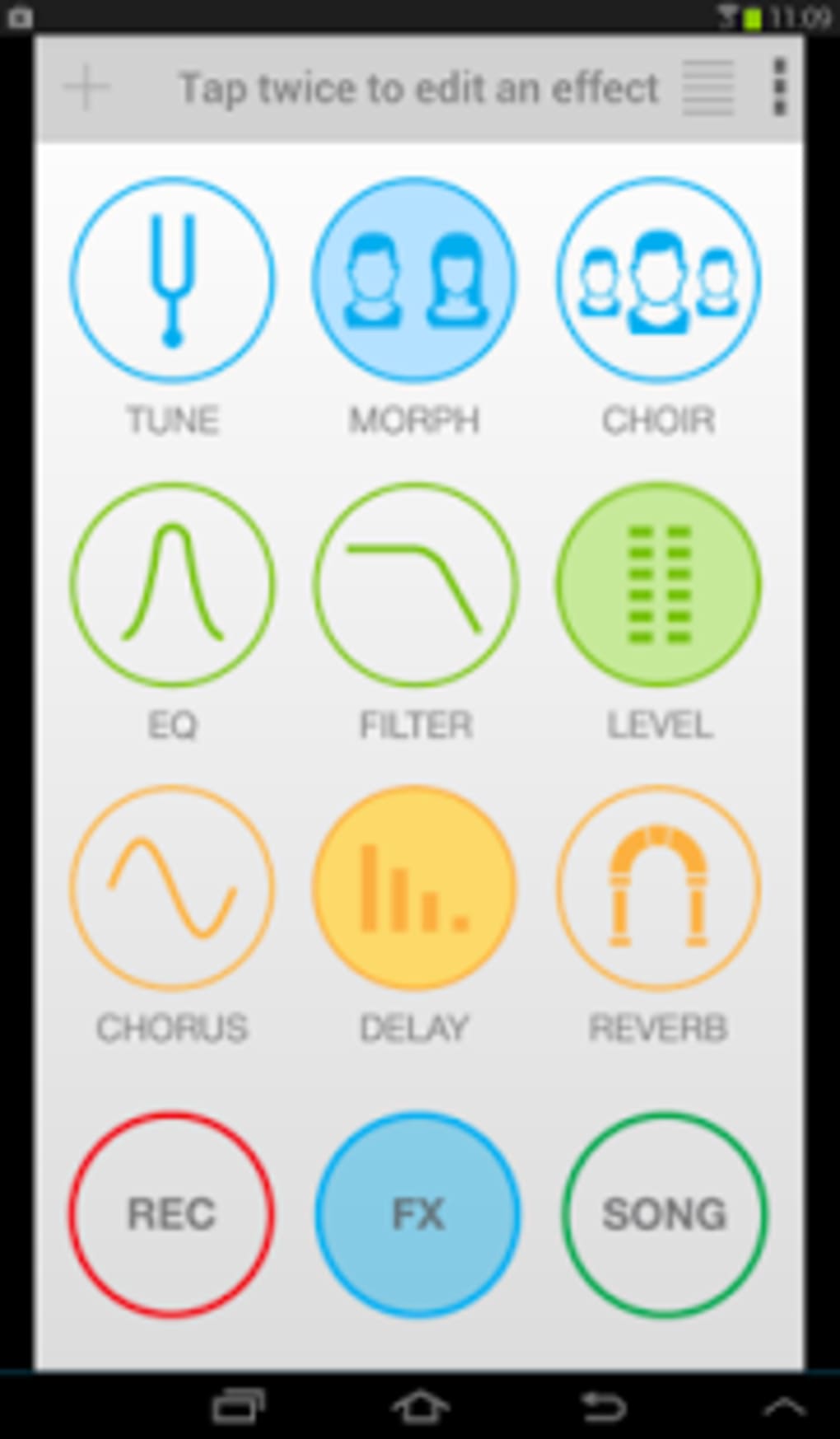
- Studio-Quality Effects – The app includes three dedicated vocal-only effects: Tune, Morph, and Choir, ideal for pitch correction, vocal transformation, and layered harmonies.
- Advanced Audio Processing – Six customizable studio effects are available: Reverb, Delay, Chorus, EQ, Filter, Compression, and Level control for fine-tuning vocal output.
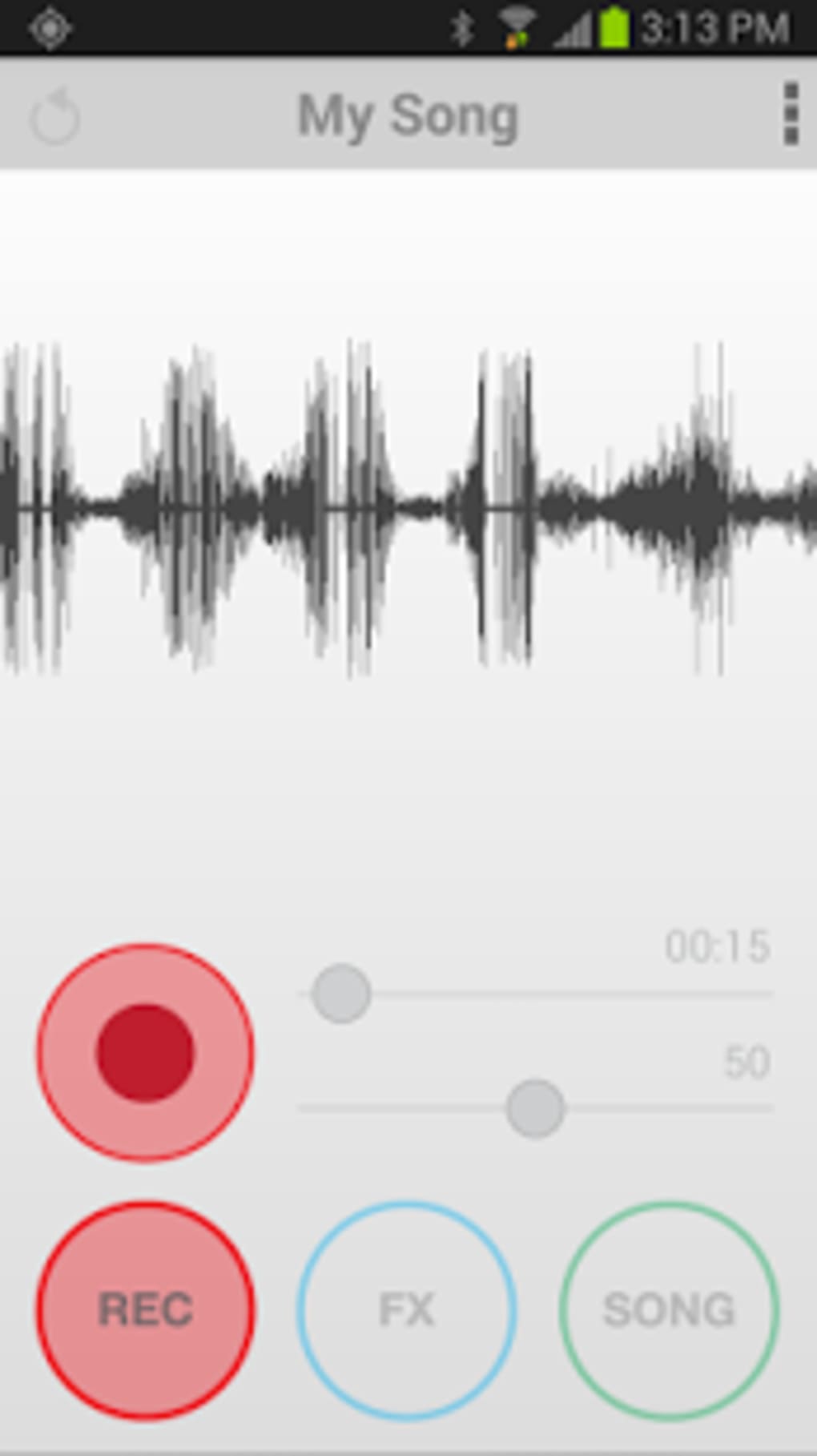
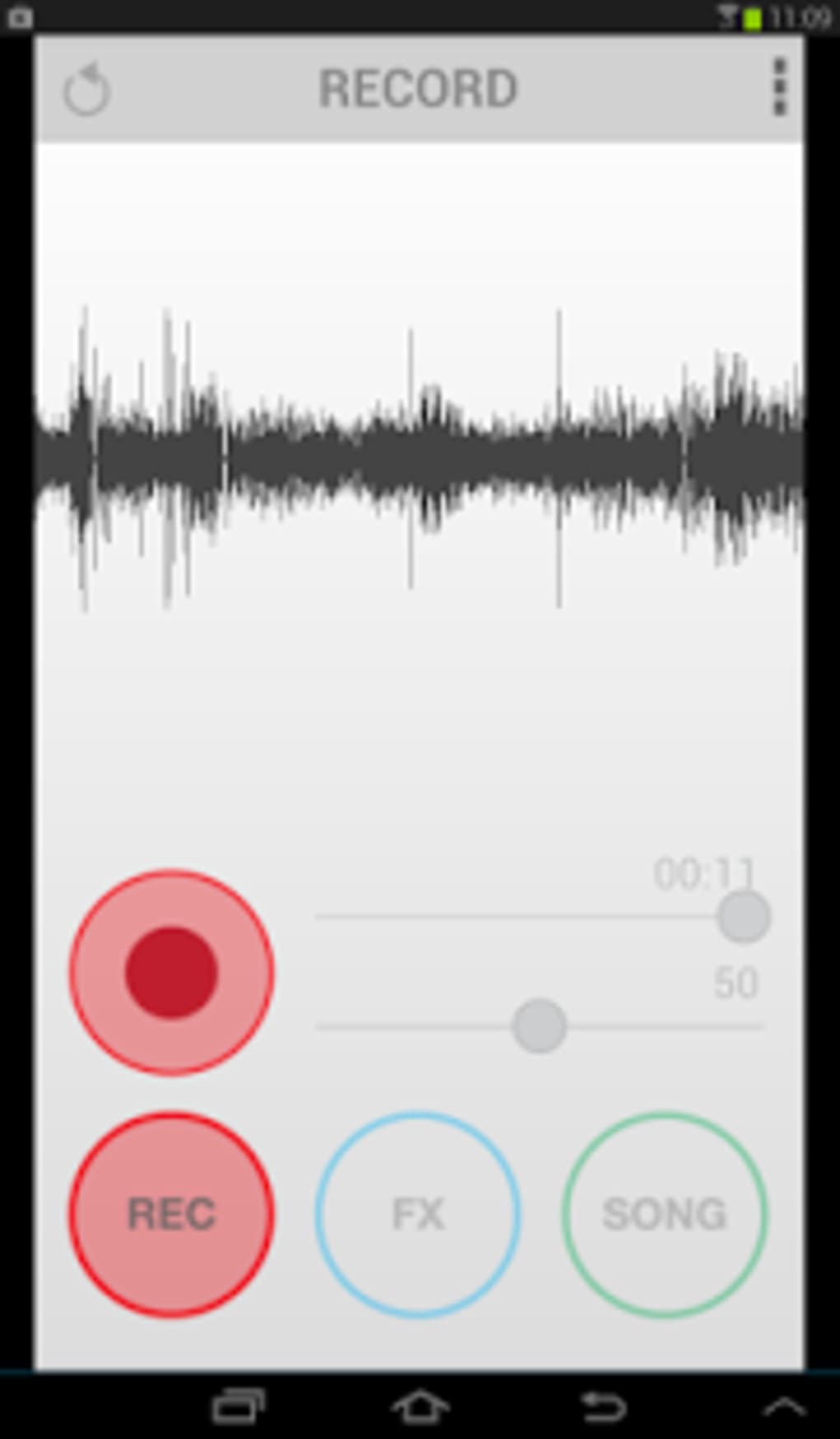
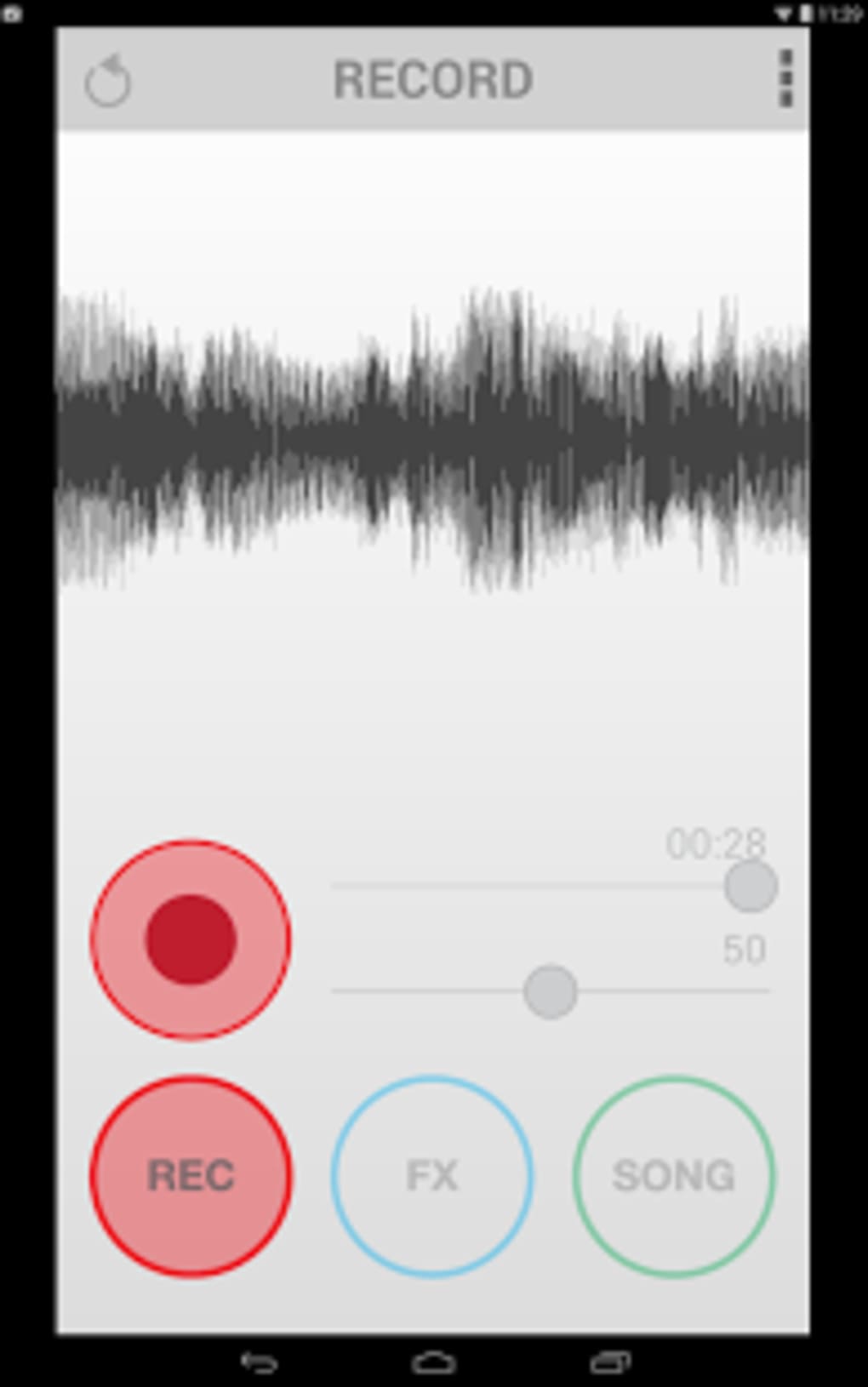
- Recording Functionality – Users can record their vocal performances in real time while singing along, with support for MP3 and WAV file formats.
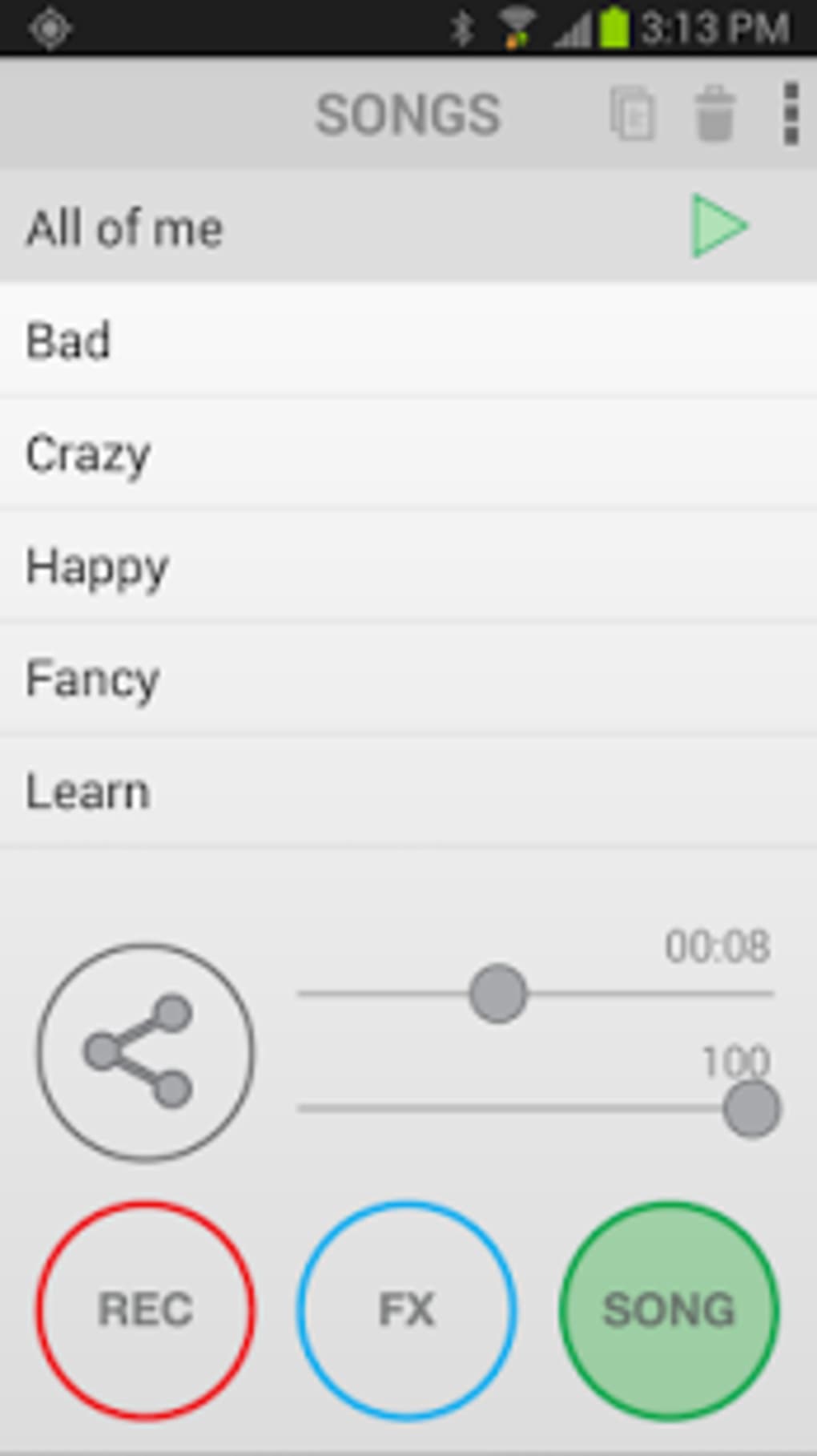
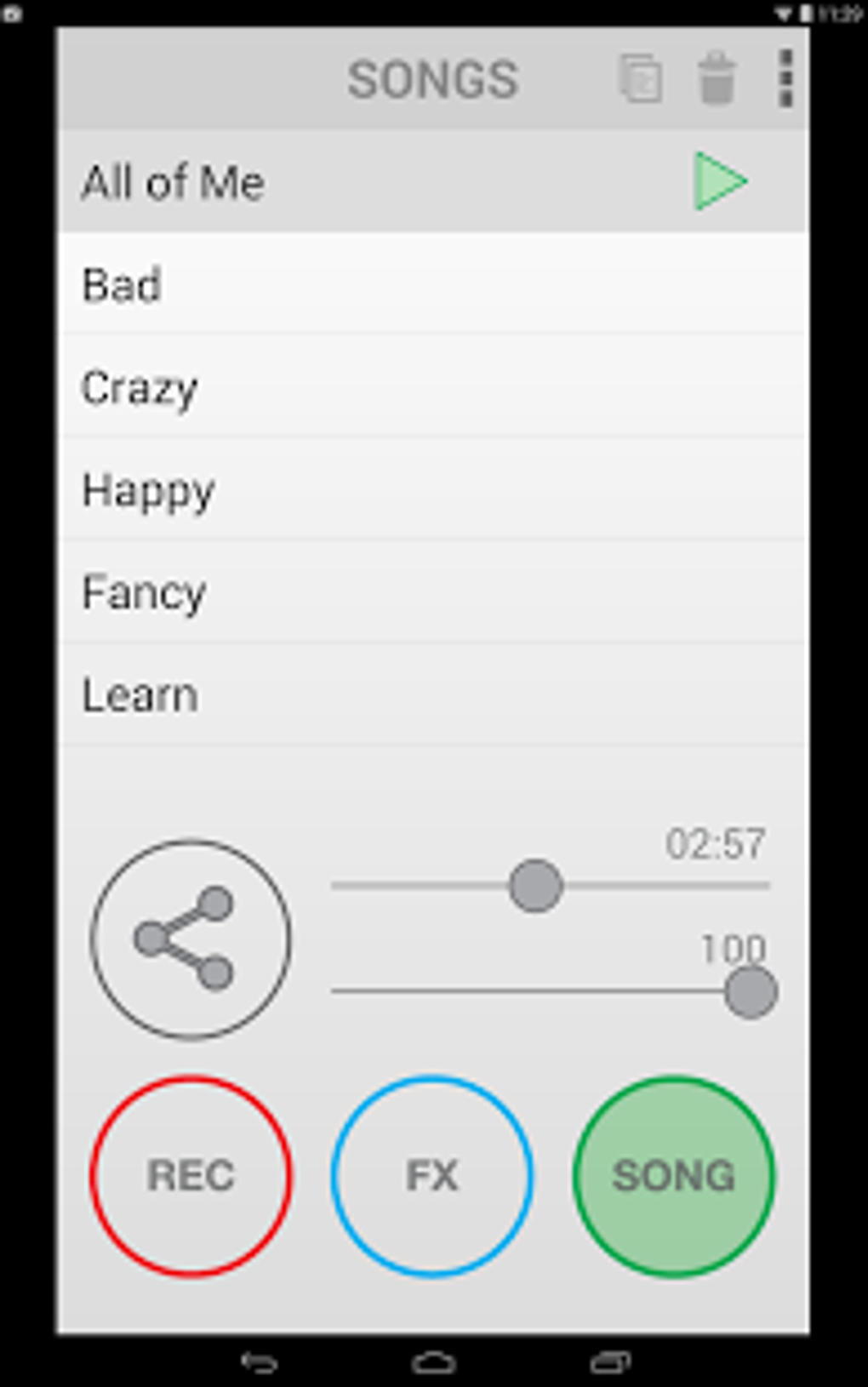
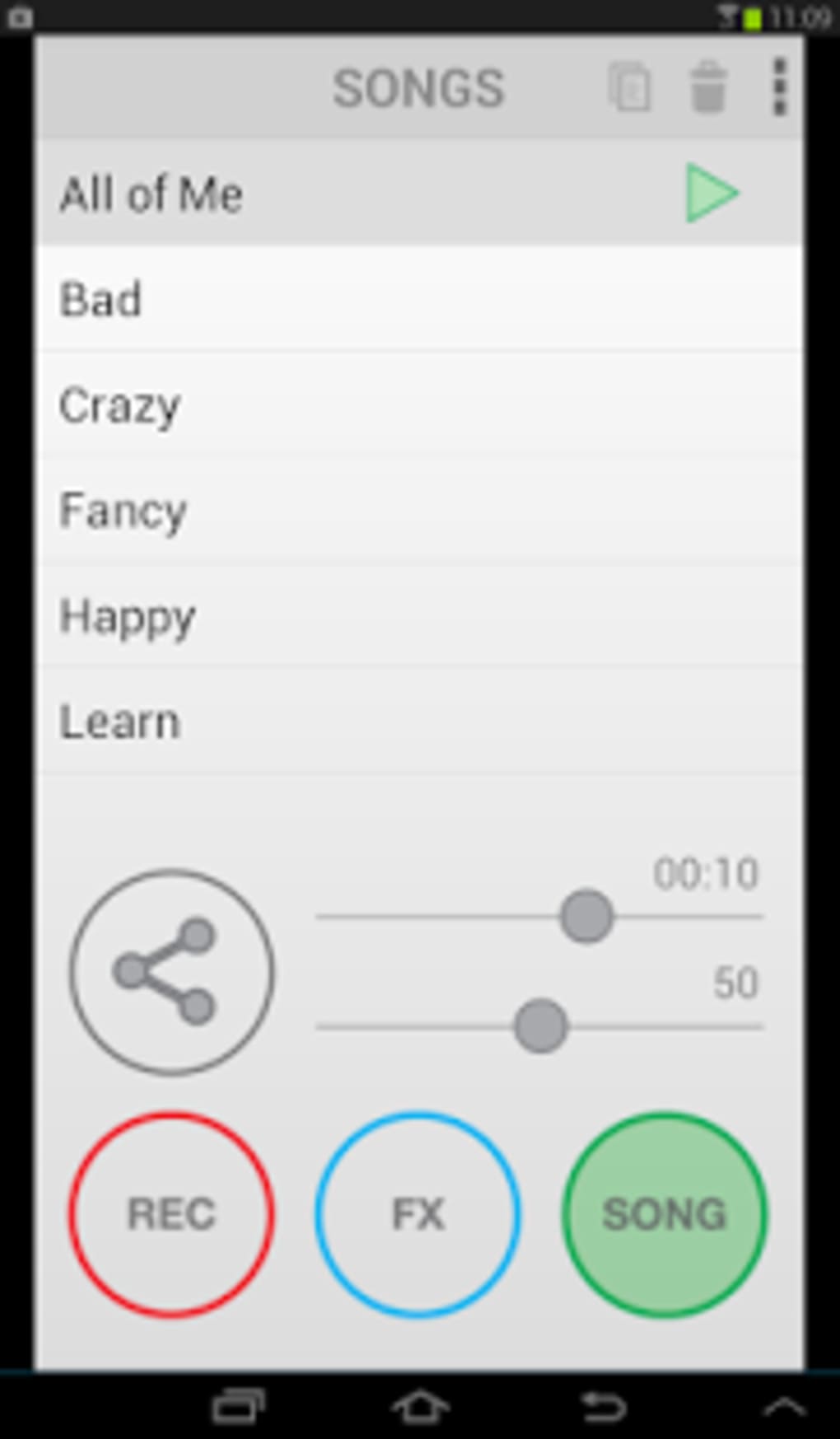
- Content Management & Sharing – The SONG section allows users to load, manage, and export recordings via email or directly to SoundCloud.
- Intuitive Interface – A clean, graphic-based layout organizes the app into three main sections: REC, FX, and SONG, ensuring ease of navigation for beginners.
These features enable users to create polished vocal tracks without prior audio engineering knowledge. The workflow is streamlined—import a song, remove vocals, apply effects, sing, and record—all within a single interface. This makes it ideal for quick content creation, social media sharing, and personal music projects.
User Interface, Workflow & Performance
EZ Voice features a straightforward, graphic interface divided into three core sections: REC, FX, and SONG. Navigation is intuitive, with clearly labeled buttons and visual feedback, minimizing the learning curve for new users. The workflow follows a logical sequence: import music → remove vocals → apply effects → sing and record → export or share. This structure supports efficient use, even during spontaneous creative sessions.
Performance observations are based on general software behavior patterns. The app is optimized for mobile use and designed to run smoothly on most Android devices. The developer did not specify resource usage details. Stability during recording sessions appears consistent based on typical app behavior. CPU and RAM usage are expected to remain moderate, though exact figures were not provided. No reported issues with crashes or freezes were mentioned in the available data.
Compatibility & System Requirements
EZ Voice is compatible with most Android devices and supports the latest Android operating systems. The app is available as a free download on Google Play. The latest version is 1.2.1, released on March 14, 2023. Installation size is not specified in the provided information. The developer did not list exact system requirements. Compatibility with external microphones such as iRig MIC, iRig Voice, iRig MIC 2, and iRig MIC 2 Pro is confirmed. The app is available in multiple languages, enhancing accessibility for international users.
Pros and Cons
Pros
- Simple, intuitive interface ideal for beginners
- Real-time vocal removal and recording
- Professional-grade audio effects for vocal enhancement
- Supports MP3 and WAV export formats
- Seamless integration with iRig hardware
- Free to download and use on Google Play
- Regular updates ensure ongoing performance and feature improvements
Cons
- Installation size not specified
- Exact system requirements not provided
- Limited to Android platform
- Dependent on external hardware for optimal performance
- No information on cloud sync or backup features
FAQ Section
Is EZ Voice available for free?
Yes, EZ Voice is available for free on Google Play. No in-app purchases or subscription fees are mentioned in the provided information.
Can I use EZ Voice with external microphones?
Yes, the app is compatible with iRig MIC, iRig Voice, iRig MIC 2, and iRig MIC 2 Pro. This allows for improved audio input quality during recordings.
What file formats are supported for recordings?
Recordings can be saved in MP3 or WAV format, offering flexibility for sharing and further editing.
Is the app updated regularly?
Yes, the developer releases regular updates to maintain performance and introduce new features. The latest version is 1.2.1, released on March 14, 2023.
Does EZ Voice require an internet connection?
Basic functionality, including recording and applying effects, can be used offline. However, sharing recordings via SoundCloud or email may require internet access.
Final Thoughts
EZ Voice delivers a powerful yet accessible solution for music lovers and aspiring vocalists seeking to create high-quality vocal recordings on their Android devices. With its intuitive design, robust effects suite, and compatibility with professional-grade audio hardware, it effectively turns a smartphone into a functional vocal studio. The app’s focus on simplicity and creative freedom makes it ideal for casual users and content creators who want to share their performances without technical barriers.
While some system details remain unspecified, the app’s consistent updates and strong developer reputation suggest ongoing support. For anyone looking to sing along, experiment with vocal effects, or produce polished covers, EZ Voice offers a compelling, free-to-use tool. Download EZ Voice now.
Guides & Tutorials for EZ Voice APK
How to install EZ Voice APK
- Click the Preview / Download button above.
- Once redirected, accept the terms and click Install.
- Wait for the EZ Voice APK download to finish on your device.
How to use EZ Voice APK
This software is primarily used for its core features described above. Open the app after installation to explore its capabilities.
User Reviews for EZ Voice APK 0
No reviews found





